
Features · · 6 min read
How Coder IDE Works: Install, Approve, Open
How Coder IDE works end to end: one install command, approve the computer from your browser, open VS Code anywhere. What runs on your machine and what updates.
Feature walkthroughs, guides and comparisons for coding on your own machine from any screen, and for keeping AI agents moving while you're away from the desk.
Features · · 6 min read
How Coder IDE works end to end: one install command, approve the computer from your browser, open VS Code anywhere. What runs on your machine and what updates.

Features · · 6 min read
Coder IDE's Sessions list shows every Claude Code session on your computers, grouped by what needs you, with alerts, full-request approvals and replies.
Features · · 6 min read
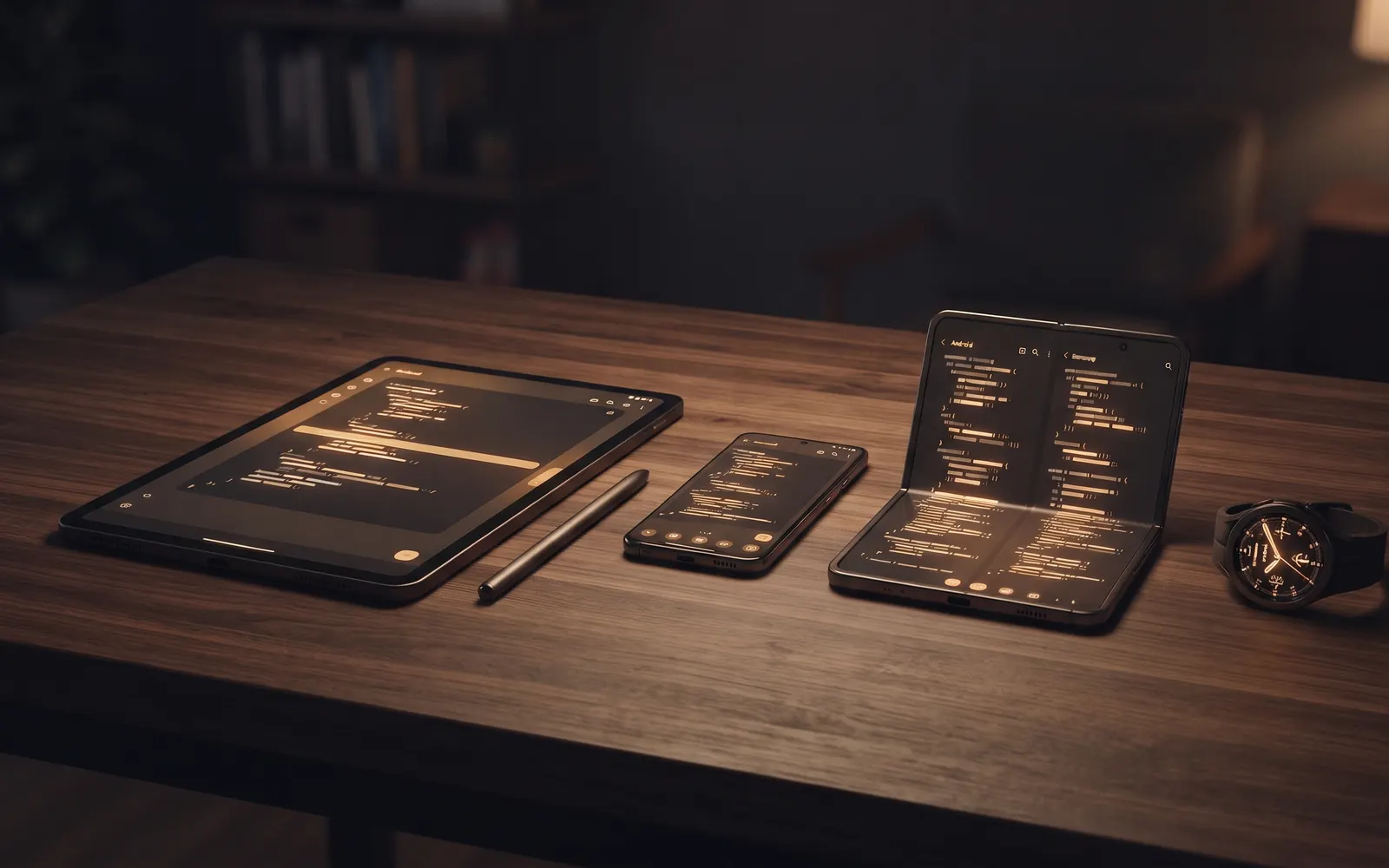
A tour of the Coder IDE Android app: devices, a touch-ready VS Code with a key bar and S Pen support, ports, Claude sessions, and layouts from watch to TV.

Features · · 6 min read
How Coder IDE's Ports panel finds your dev servers, who can open a preview link, and how to preview, copy, close, hide or stop a port from any device.

Features · · 5 min read
Agent view in Coder IDE switches VS Code between the full IDE and a focused Claude Code layout in one tap, in the browser and Android app. When to use which.

Features · · 6 min read
Tap, pin and sketch on your running app preview in Coder IDE, then send the screenshots and notes to Claude Code in your editor. Here's a real UI-fix loop.

Features · · 5 min read
Hold the mic in the Coder IDE Android app, tell your computer what to do and hear Claude's answer read back. What the Voice tab can do, and what it can't.

Features · · 5 min read
Run a separate VS Code project for each folder on one computer, switch between them from the sidebar, and let idle editors suspend on a timer you choose.

Features · · 6 min read
The Coder IDE desktop app lives in your system tray. See your sessions, ports and logs, choose your editor settings, manage updates, and control this computer.

Features · · 6 min read
Your code stays on your computer, every machine needs your approval, and removing a device works instantly. Here's Coder IDE's security model, limits included.